Digen AI suits people exploring how an idea could look in motion. Pick a concrete audience and outcome before generating, whether the next stop is a social feed, a shop campaign, a classroom, or a production meeting.
Open Your Social Story With Digen AI
A recipe creator might start with a still of a steaming bowl and explore a gentle overhead reveal. A Digen AI photo reference connects the opening to an existing visual theme without requiring an elaborate scene. On digenai, leave clear space for a caption added later and check whether the movement remains understandable on a small screen. Digen AI can help explore the hook; the finished edit still needs your timing and voice.
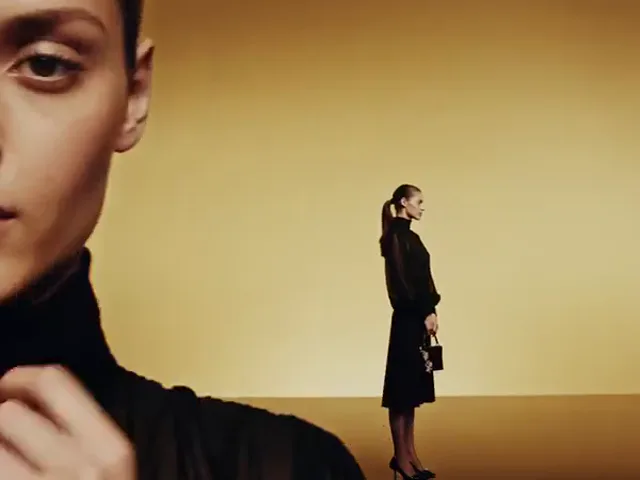
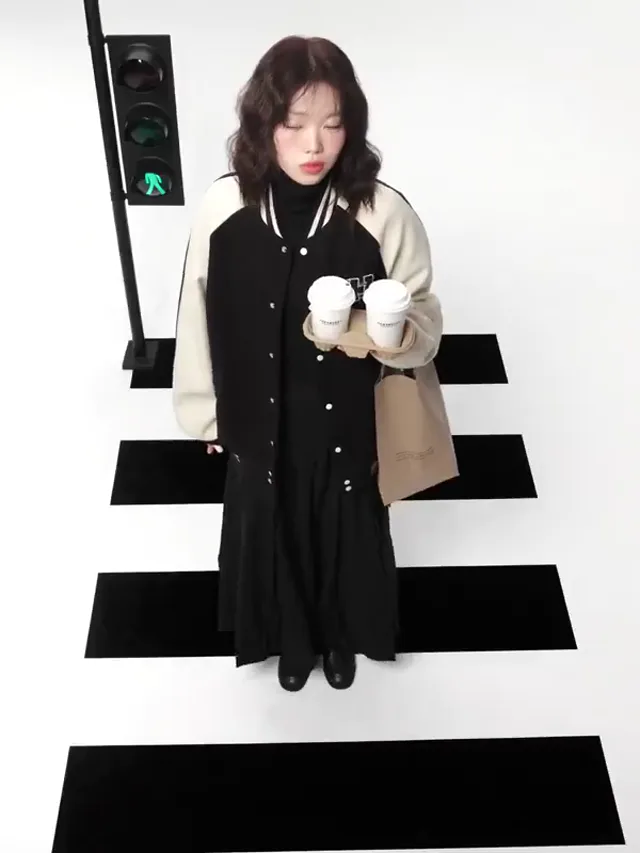
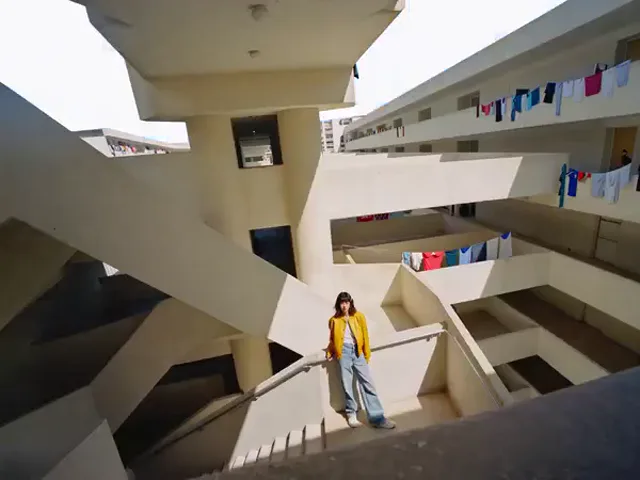
Studio slide: Layered copies of a fashion portrait slide across a clean studio background.
Explore a Product Mood With Digen AI
Imagine a handmade soap photographed beside a folded linen towel. A Digen AI photo brief could request a slow approach and soft afternoon shadows instead of inventing new packaging. Sellers can use digenai to discuss a seasonal mood with collaborators before arranging a shoot. Compare each Digen AI photo take with the real item, especially its shape, color, and label; generated imagery should not become evidence for an unverified product claim.
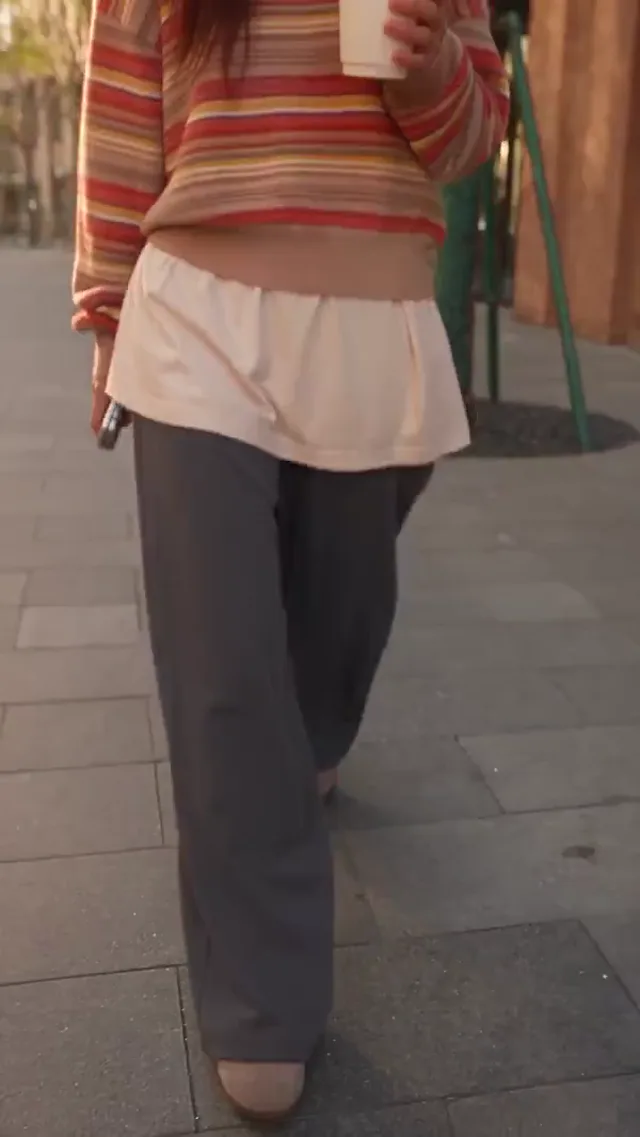
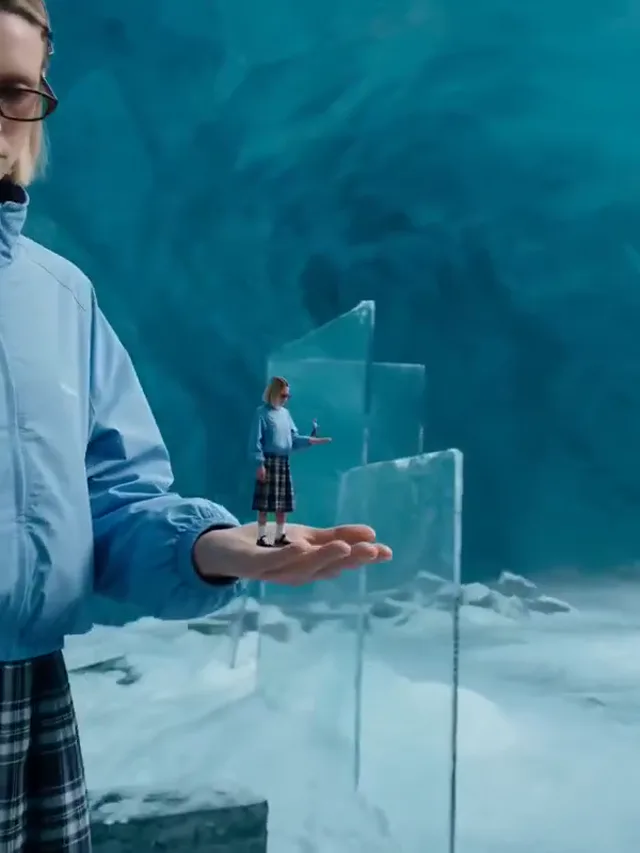
Floating fall: A person falls backward as a coffee cup and other belongings hang in midair.
Use Digen AI to Illustrate an Idea
A geography lesson could introduce an imagined journey above a river bend, then ask students what the illustration leaves out. Digen AI supports this kind of visual exploration when the teacher supplies the explanation. A Digen AI photo reference on digenai may establish the landscape, but it cannot certify geography or scientific accuracy. Add a spoken explanation, captions, and a clear distinction between an illustrative scene and recorded evidence.
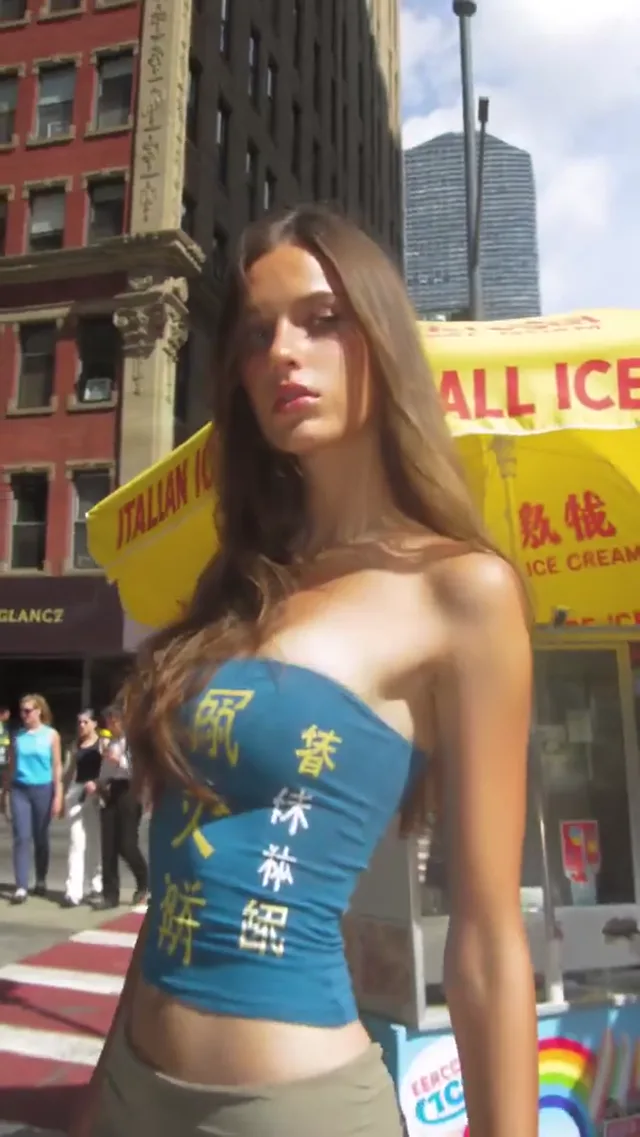
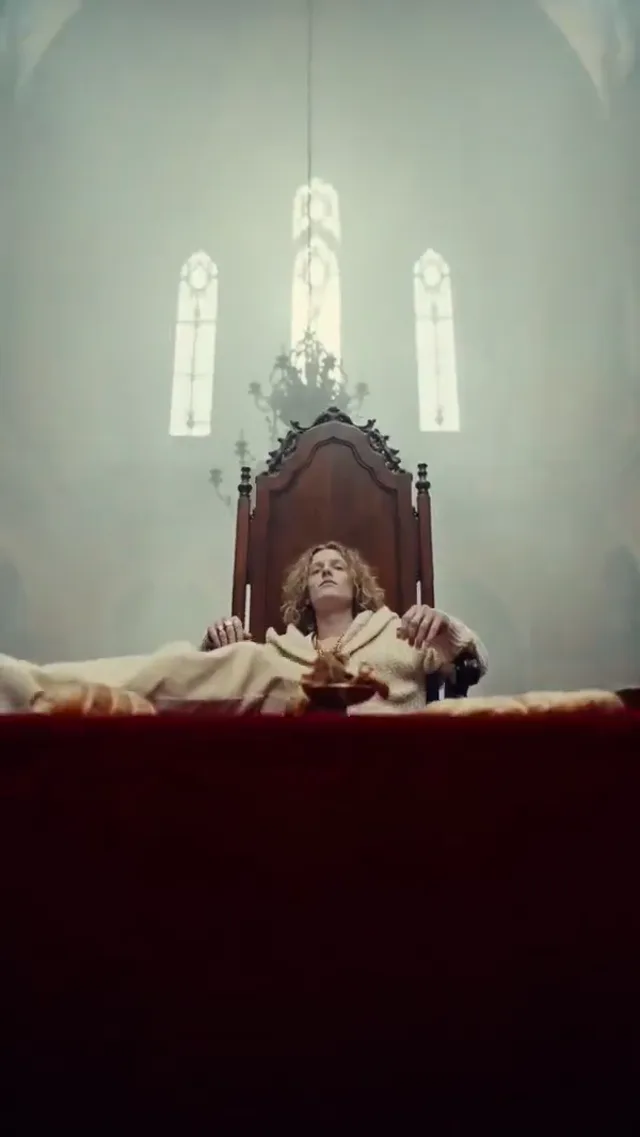
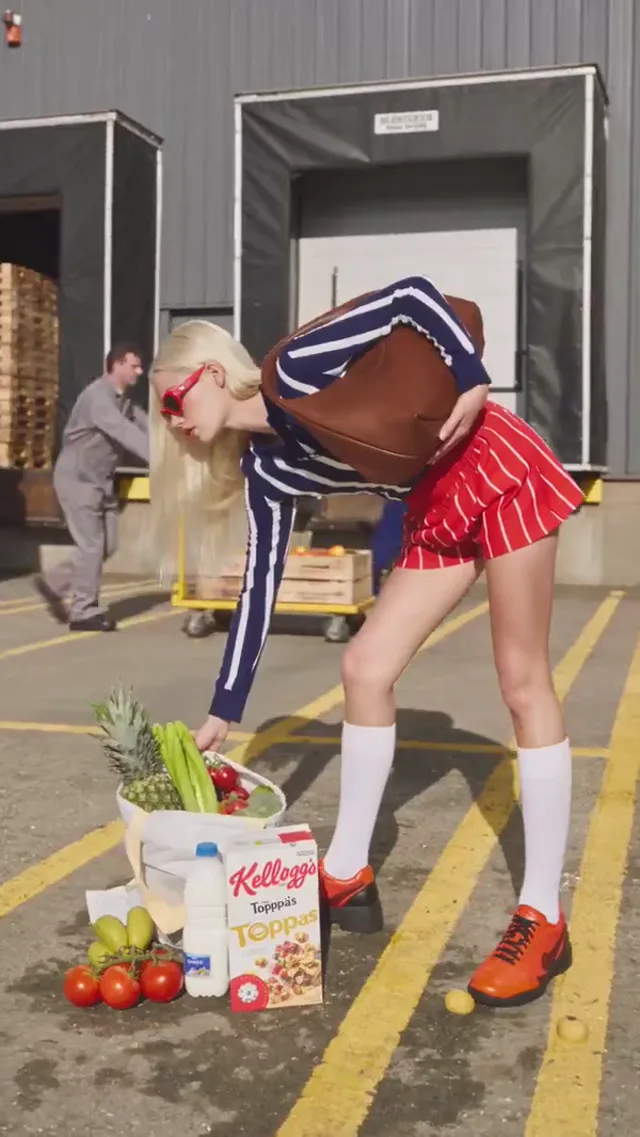
Cutout: Flat pieces of the scene peel away and return around a central figure.
Plan the Production Direction With Digen AI
A director and designer can use Digen AI to compare a doorway reveal with a quiet, fixed composition. Starting from the same Digen AI photo reference makes differences easier to discuss. Save the useful take from digenai alongside a short note about framing, light, and pace. The reference communicates a creative intention; it does not replace location checks, consent, physical production planning, or the craft of making final footage.
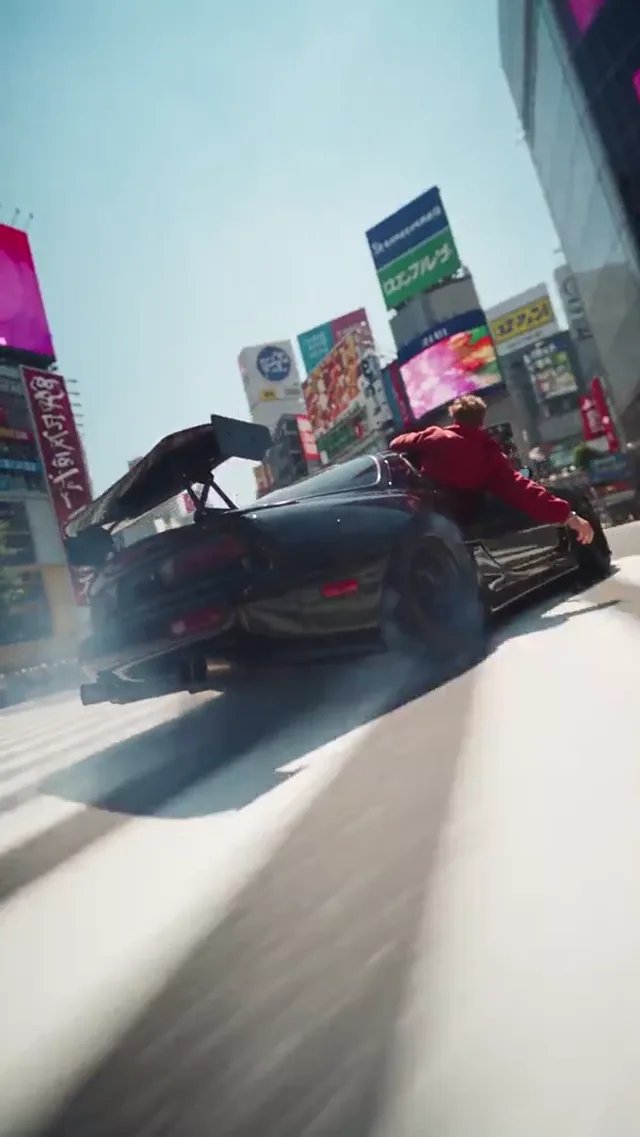
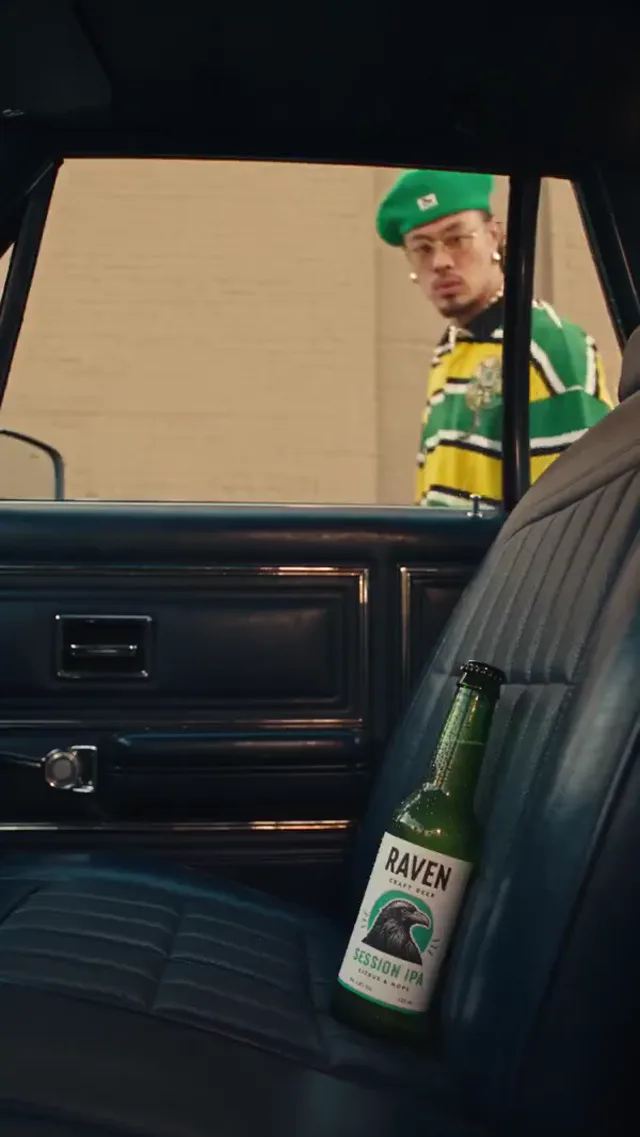
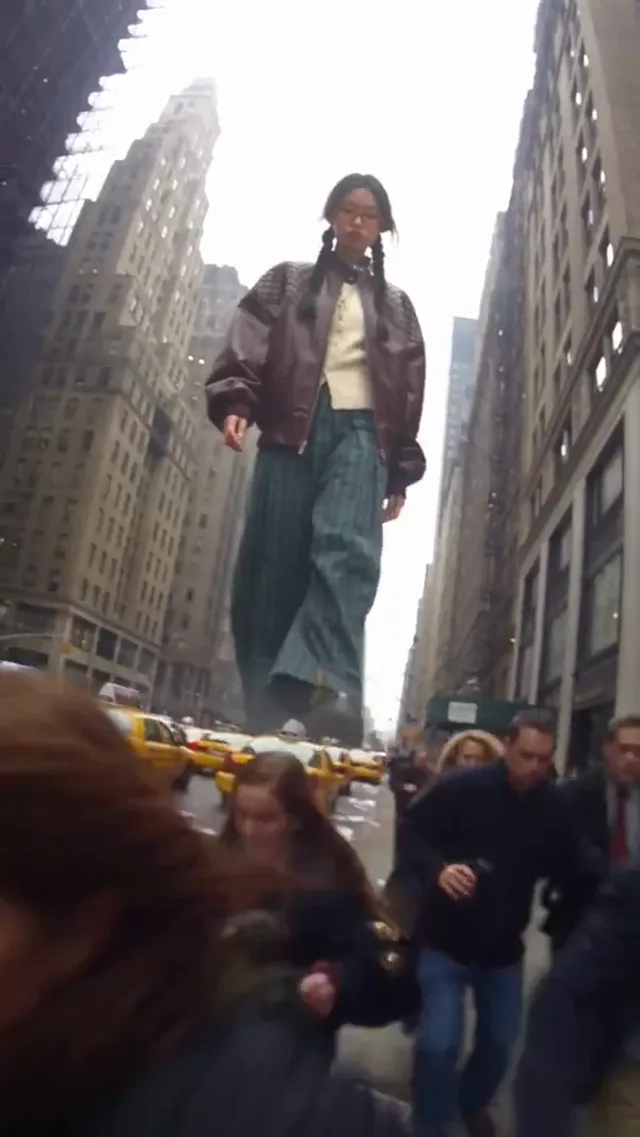
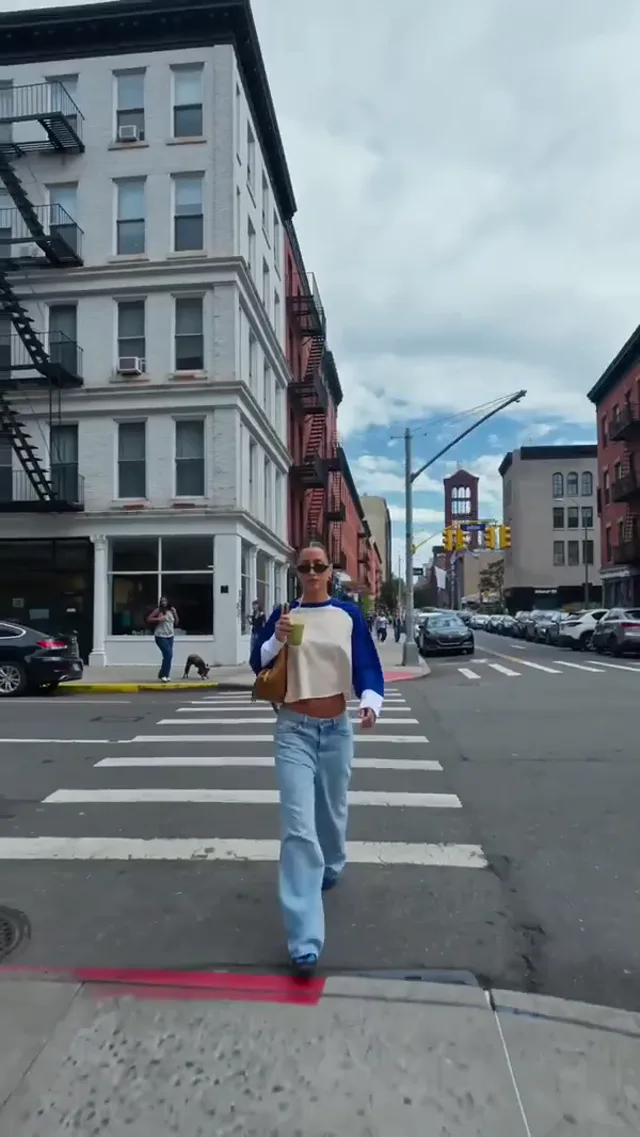
Wild ride: A sweeping camera follows a subject and a drifting car through a city street.
Match the Model to Your Idea
Compare available Digen AI models by references, framing, and output options. For a Digen AI photo experiment on digenai, confirm image support before choosing the settings.
Gemini Omni 1.1 Flash
MiniMax H3
HappyHorse 1.1
Seedance 2.0
Seedance 2.0 Fast
Seedance 2.0 Mini
Seedance 2.5
Kling 3
Kling 3 Turbo
Kling O3
Kling 3 Motion Control
Kling Avatar
Qwen Image 3
Qwen Image 3 Pro
GPT Image 2
Nano Banana 2
Nano Banana Pro
Flux 2 Pro
Flux 2 Flex
Why Build Your Next Shot With Digen AI?
Digen AI brings the creative choices into one workflow: decide what anchors the image, direct the movement, and judge the take against a real brief. Begin small, then develop the strongest visual direction.
Think in shots rather than a complete screenplay. Digen AI works best with a specific subject doing one readable thing: a lantern rising through fog, for example. Give the setting and camera separate instructions so the intended action stays easy to evaluate.
Give Digen AI a Photo Starting Point
A Digen AI photo workflow begins with an image you are allowed to upload. Use a clean silhouette and an uncluttered background. On digenai, describe what should move while treating faces, printed labels, and small accessories as details to inspect, not guaranteed constants.
Digen AI: Text vs Photo vs Keyframes
Choose text for an open visual search, a Digen AI photo reference for an established composition, or supported keyframes for a planned change. Digen AI does not offer identical controls across every model; the selected input mode determines which references belong in your brief.
Compare Digen AI Takes Against Your Brief
Keep a simple comparison log on your own device: prompt, reference, settings, and the detail you want to improve. A Digen AI photo test on digenai becomes more informative when only one variable changes. Select the take that communicates clearly, not merely the busiest animation.
Review Your Digen AI Task Estimate
Look at the displayed estimate after selecting duration, resolution, and other available options. Digen AI credits follow the chosen task, so a plan is not a promise of a fixed number of clips. A restrained first draft can help you decide whether another attempt is worthwhile.
Bring Digen AI Clips Into Your Edit
Watch the beginning, middle, and final frame. A Digen AI photo result should offer an understandable action and a practical place to cut. Bring approved Digen AI clips into your editor for final titles, sound, pacing, and any disclosures your publishing context requires.
How to Build Your First Digen AI Take
Make one decision at a time, with a clear purpose for each attempt.
Find the right input, write a clearer brief, and understand what to check before your next generation.
What is Digen AI designed to help me create?
Digen AI is a browser workspace for exploring short generated scenes and still images. Use digenai when you need a visual draft for a story, a campaign idea, or a discussion. Select the actual model controls rather than assuming every advertised workflow supports the same inputs.
How does a Digen AI photo workflow begin?
Select an image-capable video mode, upload a permitted reference, and describe a small, plausible movement. A Digen AI photo input establishes a starting image on digenai; it does not automatically preserve every surface, expression, or object throughout the clip.
Digen AI vs stock video vs a filmed shoot: which should I choose?
Digen AI is useful for an imagined scene; licensed stock supplies existing footage; a shoot records the actual people, place, or product. Use digenai to explore an idea, but choose recorded material when authenticity is essential. Compare rights, preparation, and the work needed to finish each option.
Who benefits most from Digen AI photo animation?
A creator with an approved cover image, a seller with a clean packshot, or a designer with a mood reference has a concrete starting point. On digenai, a Digen AI photo experiment is most useful when that person already knows the audience and intended movement.
Why use Digen AI before committing to a final production?
Moving drafts can reveal whether a framing idea reads clearly before you organize the finished piece. With Digen AI, judge the direction rather than mistaking a convincing image for a production guarantee. Keep notes outside digenai so collaborators understand what still needs to be made.
What makes a clear Digen AI prompt?
Try this Digen AI brief on digenai: a silver wind chime sways beside an open window in soft morning light; the camera stays still. For a Digen AI photo input, concentrate on the change you want, not a second description that contradicts the uploaded composition.
Which image makes a better Digen AI photo reference?
Choose a sharp, well-lit image with a readable subject and few overlapping objects. Avoid an already distorted face or illegible packaging. Before uploading to digenai, check permission and remove unnecessary sensitive detail; a stronger reference makes a Digen AI photo result easier to assess.
Can Digen AI create a still before trying motion?
On digenai, choose the image workflow when you want to develop a composition first, checking the options available for that model. Review the still before using it as a Digen AI photo reference. Moving from image to video may require another selection and a separate task quote.
How can a Digen AI photo prompt control the camera?
Distinguish the two movements: the subject turns while the camera holds, or the subject stays still while the camera approaches. Start with a restrained direction in digenai. A Digen AI photo request that asks for several incompatible camera moves is harder to diagnose.
Does Digen AI always offer first and last frames?
No. Open the chosen model and look for the supported frame inputs. Digen AI photo references and two-frame controls are not interchangeable across all models. If a control disappears after switching the model on digenai, review the setup again before submitting.
Can Digen AI keep faces and products unchanged?
A Digen AI photo can guide appearance without locking every detail. When reviewing in digenai, inspect eyes, hands, edges, text, and logos throughout playback, not just the thumbnail. Reject misleading changes. Use original photography or another production method when exact identity or product fidelity is non-negotiable.
What is a fair way to compare Digen AI models?
Use the same brief, reference, and intended format where supported. Change the model, then compare action readability, detail stability, and editing usefulness. On digenai, differences in supported controls can affect the comparison; a Digen AI photo trial is not a universal model benchmark.
What affects the cost of a Digen AI task?
The selected model and output options determine the displayed quote. Review it after changing a setting in Digen AI on digenai. Do not translate a monthly allowance into a guaranteed clip count; a Digen AI photo task and another workflow may have different costs.
Can I try digenai without assuming a paid commitment?
Look at the offers, sign-in requirements, and quote shown to your account before submitting. Digen AI does not promise unlimited free generation here. Decide whether the available allowance covers your intended test, and read the plan details before making a purchase.
Where can I review a finished Digen AI photo video?
Check My Videos for video tasks and My Images for stills where available. Keep the task identifier if the expected result is missing. Download approved work from digenai and maintain your own project notes rather than treating a generation history as a complete editing timeline.
What if a Digen AI photo result drifts from my idea?
Name the issue precisely: an oversized camera move, an altered label, or action that starts too late. Simplify that part of the brief, or improve the reference, before another attempt on digenai. Changing everything at once makes it difficult to learn which adjustment helped.
How do I frame Digen AI clips for vertical feeds?
In digenai, choose a supported portrait ratio and keep the focal action away from interface overlays. A Digen AI photo reference may need a different crop from a landscape storyboard. Inspect the framing on the destination device and add readable captions during your final edit.
Does digenai replace editing, captions, or audio production?
Treat generation as one production step. Digen AI audio options depend on the selected model; titles, captions, licensed music, and final pacing may still belong in your editor. Watch and listen to the complete export before sending it to a client or publishing.
What should I do while Digen AI is processing?
Follow the task status rather than repeatedly submitting the same request. Timing varies with the selected options and service conditions. If a Digen AI photo task appears stalled on digenai, collect its identifier and a non-sensitive error message before contacting the team.
What should I check before publishing Digen AI clips?
Before exporting from digenai, check permissions, likenesses, visible text, factual claims, and the current usage terms. Review a Digen AI photo result against the reference and obtain any required approvals. Add appropriate synthetic-media disclosure for your context. A convincing clip alone does not establish accuracy or commercial clearance.
Your Idea Deserves a First Take
Open Digen AI, describe one moment, and see where the next frame leads.